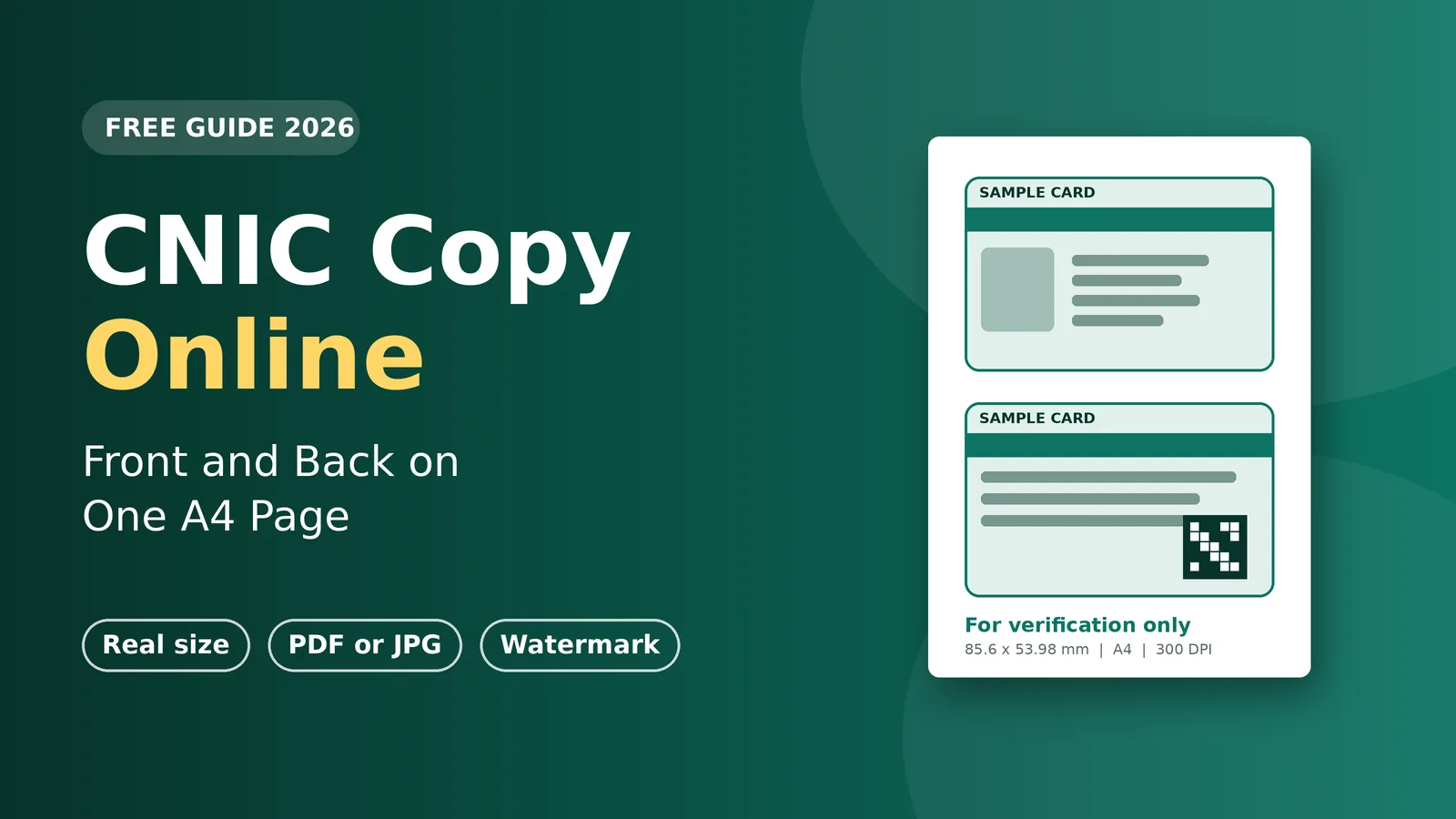
Need a CNIC copy online for a form? Many universities, banks and employers now ask for both sides of your CNIC in one file or on one page. A blurry photo or a crooked copy can get your form rejected. This guide shows you how to make a clean copy, what size it should be, and how to keep it safe from misuse.
Quick Answer: How do you make a CNIC copy online?
Take a clear photo of the front and back of your CNIC in daylight. Place both on one A4 page at the real card size (85.6 × 53.98 mm), then save the page as a PDF or JPG. You can do this on your phone in a few minutes, with no photocopy shop needed.
What is a CNIC copy and why do forms ask for it?
A CNIC copy is a scanned or photocopied image of your Computerised National Identity Card. In Urdu it is often called a shanakhti card copy. Organisations keep it as a record of your identity. Most of them want both sides, because the back shows your address and QR code.
Here are the most common cases:
| Situation | What is usually asked | Tip |
|---|---|---|
| University admission portal | CNIC front and back in one file | Check the file size limit |
| CNIC copy for bank account opening | Clear copy of both sides | Avoid glare and blur |
| Embassy or consulate | Both sides on one page | Keep real size and a sharp print |
| Job application or HR joining | PDF or image | Use a colour copy unless told otherwise |
Disclaimer: This table gives general examples. Requirements differ between organisations and can change, so always check their latest instructions before you submit.
For example, one university application process asks for the CNIC front and back in one file. A medical university portal asks for both sides as one file, in png, jpg, jpeg or pdf format, with a maximum size of 4 MB. A Pakistani consulate guideline asks for two copies of the CNIC or NICOP, both sides on one page. Application Process +2
What is the CNIC copy size? (mm, cm, inches and pixels)
A CNIC is the same size as a bank card. This is the ID-1 format from the ISO/IEC 7810 standard. If your CNIC copy size is wrong, the print will look too small or too big, and some offices may ask you to submit it again.
| Unit | Width | Height |
|---|---|---|
| Millimetres (mm) | 85.6 | 53.98 |
| Centimetres (cm) | 8.56 | 5.40 |
| Inches | 3.370 | 2.125 |
| Pixels at 150 DPI | 505 | 319 |
| Pixels at 200 DPI | 674 | 425 |
| Pixels at 300 DPI | 1011 | 638 |
| A4 page at 300 DPI | 2480 | 3508 |
Disclaimer: Pixel sizes are calculated from the DPI. The real printed size can differ a little depending on your printer's scaling. In the print window, choose "Actual size" or "100%".
300 DPI is usually enough for printing documents. A higher DPI makes the file bigger and can cause problems when you upload it.
4 ways to make a CNIC copy
| Method | Cost | Quality | Privacy in your control | Best for |
|---|---|---|---|---|
| Phone camera photo | Free | Depends on light and angle | Yes, stays with you | Sending in a chat only |
| Photocopy shop | Small fee | Often clear | Low, the shop may keep a copy | When you need a paper print right now |
| Mobile scanner app | Free or paid | Good | Check the app's permissions | General documents |
| Browser-based online scanner | Free | Good, real size | Higher, if photos are processed in your browser | Front and back on one page |
Disclaimer: This comparison is based on general experience. Results depend on your device, your light and the service you use.
There is one risk with photocopy shops. NADRA has advised people to avoid unnecessary photocopies, because most transactions only need the original document or the number issued by NADRA. arynews
How to put CNIC front and back on one page (step by step)
- Take two clear photos. Put the card on a plain surface that is darker than the card, such as a dark table. Use daylight and keep the flash off.
- Hold the phone straight above the card. A photo from the side makes the card look tilted and can cut the text.
- Keep all four corners visible. Your fingers should not cover the edges.
- Add both photos to a scanner tool. The tool straightens the card and places it on one A4 page at real size.
- Choose the layout. Pick front on top and back below, or side by side.
- Add a watermark if needed. See the next sections for how.
- Download a PDF or JPG. Zoom in once to check that the text is easy to read before you upload.
Want to scan CNIC online? One option to try
If you are looking for an online way to turn your CNIC into a PDF or JPG, the BytePriva CNIC Scanner is one example. It offers:
- Front and back on one A4 page at real size (85.6 × 53.98 mm) and 300 DPI
- Automatic corner detection, with 4 dots you can drag to fix the corners
- Automatic straightening of tilted photos
- A custom watermark
- PDF or JPG download, with a choice of JPG quality
- Several CNICs at once, one page for each
- Free use on phone, tablet and computer, with no account
- Processing inside your browser, so your photos are not uploaded
Whichever tool you choose, read its privacy policy first.
6 tips for a clear CNIC photo
- Use daylight or a bright room. Flash leaves white glare on the laminated card.
- Clean your camera lens. A smudged lens is the most common reason for a blurry copy.
- Keep the card flat and the phone straight above it.
- Take the front and back in the same light so both sides look alike.
- Do not use heavy filters or edits.
- Zoom in before you upload and check the name, number and QR code.
PDF or JPG: which format should you choose?
Choose PDF when the form asks for a document, when you want to print, or when you have more than one CNIC. Choose JPG when the portal only accepts images.
If the portal says your file is too big, lower the JPG quality or compress the file. A tool like Compress PDF to 100KB helps when the limit is strict.
How to protect your CNIC copy from misuse
This is the most important part of this guide. NADRA has also advised that if a photocopy cannot be avoided, you should clearly write the purpose it is being shared for and destroy the copy once that purpose is fulfilled. techjuice
Add a CNIC copy watermark
A short watermark makes it harder to reuse your copy for something else. Write the purpose and the name of the organisation, for example:
- For ABC Bank account opening only
- For admission use only
- For verification only
Other safety steps
- Share your CNIC only with people who really need it, and only through official channels.
- Never give your CNIC as collateral or security.
- Delete extra copies from chats and your phone gallery once the work is done.
- If you think your CNIC has been misused, report it through NADRA's official complaint service.
A watermark lowers the risk of misuse, but it cannot remove it completely.
Common mistakes that get a CNIC copy rejected
| Mistake | What happens | Fix |
|---|---|---|
| Blurry or dark photo | Name or number cannot be read | Retake it in daylight |
| Cut corner | The copy looks incomplete | Keep all four corners in the frame |
| Camera flash | Glare covers the text | Turn the flash off |
| Wrong card size | The print does not look like a real card | Use the real size, 85.6 × 53.98 mm |
| File too big | The portal rejects the upload | Lower the quality or compress the file |
| Only one side | The form is treated as incomplete | Add both front and back |
Disclaimer: These are common reasons only. The real reason for a rejection depends on the policy of the organisation.
Frequently Asked Questions
How do I make a CNIC copy online?
Take a clear photo of the front and back, put both on one A4 page at real size using a scanner tool, then download the page as a PDF or JPG. Take the photos in daylight and keep all four corners in the frame.
How do I put CNIC front and back on one page?
Add both photos to a scanner tool that places them on one A4 page. Choose a layout, either one above the other or side by side, and download the PDF or JPG.
What is the CNIC size?
A CNIC is 85.6 × 53.98 mm, which is 8.56 × 5.40 cm or 3.370 × 2.125 inches. At 300 DPI, that is 1011 × 638 pixels.
How can I scan my CNIC on my phone without an app?
Take photos of both sides with your phone camera and open an online scanner in your browser. You do not need to install anything.
How do I convert my CNIC to PDF?
Add the front and back photos to a scanner or image to PDF tool and download the PDF. Both sides should be on one page.
How do I add a watermark to my CNIC copy?
Turn on the watermark option in the scanner tool and type the purpose, for example "For admission use only". You can also add the organisation's name.
Is an online CNIC copy accepted everywhere?
No. It depends on the organisation that asks for it. Some accept a scanned PDF or JPG, while others want the original or an attested copy. Check their requirements first.
How do I reduce the file size of my CNIC copy?
Lower the JPG quality or compress the PDF. If the limit is as small as 100 KB, use a dedicated compress tool.
Is it safe to send my CNIC photo on WhatsApp?
Send it only to a person who really needs it, add a watermark, and delete it from the chat when the work is done. Chat backups can keep a copy.
Does the same method work for a smart CNIC or NICOP?
Yes. These cards have the same ID-1 size, so the same steps work. Just make sure the card corners are lined up correctly.
Conclusion
Making a CNIC copy online is simple: a clear photo, the real size, both sides on one page and a short watermark. That is enough for most forms. Before you upload, always check the organisation's latest requirements and file size limit.
Disclaimer
This article is for general information only. It is not an official guide from NADRA, the Government of Pakistan or any bank or university. Whether a CNIC copy is accepted is decided by the organisation that asks for it, so please check their latest requirements (colour or black and white, file type, file size) before you submit. Share your CNIC copy only with people or offices that truly need it. Changing an identity document or misusing it can be a crime. A watermark reduces the risk of misuse but cannot prevent it. Once you download a copy, keeping it safe and sharing it carefully is your own responsibility.