This DOC to PDF Converter lets you convert word to pdf online in seconds, turning any .docx file into a polished, ready-to-share PDF — directly inside your browser, with 0 uploads to any server. Most online tools quietly send your document to a remote server before handing back a PDF; this one skips that step completely, processing everything on your own device using your browser's built-in engine.
Your fonts, spacing, and layout stay exactly as they were in the original word document, so there's no surprise reformatting when the PDF comes out. It's especially useful for resumes, invoices, and contracts — files people expect to look identical no matter who opens them or on what device. This tool is completely free, has no watermarks, no sign-up requirement, and works the same way on mobile, tablet, and desktop.
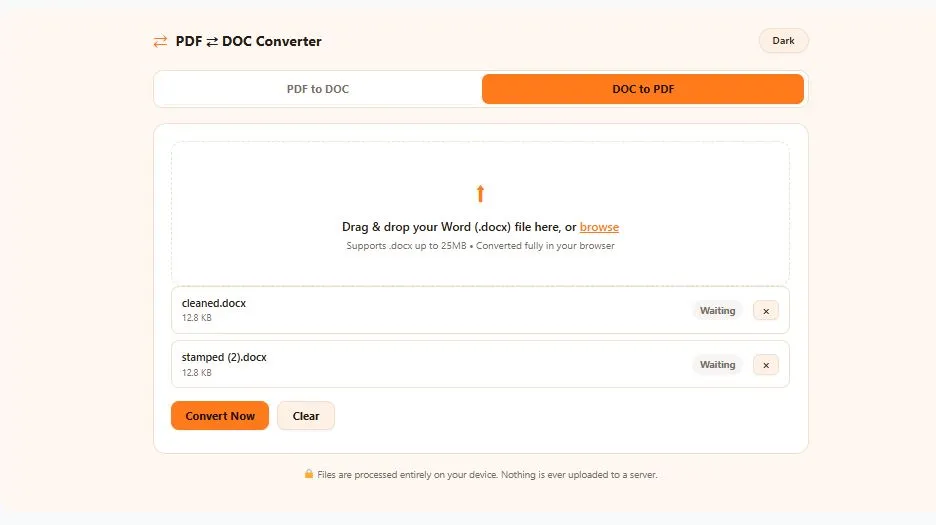
Drag & drop your Word (.docx) file here, or browse
Supports .docx up to 25MB • Converted fully in your browser
🔒 Files are processed entirely on your device. Nothing is ever uploaded to a server.
Why Use This DOC to PDF Converter
A Word document looks different depending on who opens it. Fonts substitute themselves, spacing shifts, and page breaks move around when the reader's computer doesn't have the exact same fonts or Word version as yours. Microsoft itself recommends converting to PDF for documents that need to look identical everywhere, like resumes, contracts, and official paperwork — which is exactly what this DOC to PDF Converter does, right inside your browser.
It's also genuinely free to use — no account, no email confirmation, no daily limit, and no watermark stamped across your finished PDF. Whether you're finishing a resume on your phone before an interview or exporting a signed contract from your laptop, the interface adapts automatically, and the output is a standard PDF that opens the same way on every device.
How the DOC to PDF Converter Works
- Upload your Word file — Drag and drop your .docx file into the tool, or click to browse. Nothing is uploaded to a server; your file loads directly into your browser's memory.
- Automatic layout rendering — The DOC to PDF Converter reads your document's fonts, spacing, images, and tables, and rebuilds them exactly as they appear in Word.
- Instant conversion — With one click, your Word file is rendered into a real, print-ready PDF — right there in your browser, in seconds.
- Download your PDF — Click download and your finished PDF is saved straight to your device. No email, no waiting, no watermark.
Tips for Best Results
- Finalize your document before converting — since PDF is a fixed, read-only format, make all your edits, spelling fixes, and formatting changes in Word first.
- Use standard fonts when possible — common fonts like Calibri, Arial, or Times New Roman render most reliably; highly stylized or custom fonts may render slightly differently.
- Double-check tables and images — documents with complex tables or large embedded images can take a little longer to render; give the tool a few extra seconds on bigger files.
- Check the file size before uploading — this tool handles .docx files up to 25MB smoothly, which covers the vast majority of resumes, reports, and contracts.
- Review the PDF before sending — always open the finished PDF once to confirm page breaks and spacing look the way you expect, especially for multi-page documents.
Frequently Asked Questions
Is this DOC to PDF Converter really free?
Yes, this DOC to PDF Converter is completely free with no hidden costs, no watermarks, and no daily conversion limit. There's no sign-up or credit card required to use it.
Does my Word file get uploaded to a server?
No, your file is never uploaded anywhere. The entire conversion happens locally inside your own browser, so your document stays on your device at all times.
Which file formats can I convert?
This tool converts .docx (Microsoft Word) files into standard PDF documents that open the same way on any device, browser, or operating system.
Will my fonts and formatting stay the same?
Yes, the converter renders your document exactly as it appears in Word, preserving fonts, spacing, images, and page layout in the final PDF.
Does this tool work on mobile devices?
Yes, this DOC to PDF Converter works the same way on mobile, tablet, and desktop, so you can convert a Word file to PDF straight from your phone.
Disclaimer
This DOC to PDF Converter is provided as a free utility to help you quickly turn Word documents into shareable PDFs. Since conversion happens locally in your browser, results depend on the fonts and formatting used in your original document — most standard Word files convert cleanly, while heavily customized fonts or complex layouts may render slightly differently. We recommend reviewing your converted PDF before using it for official, legal, or professional purposes.